
Symphony by Wix for Small Businesses: What It Actually Does (and Where It Stops)
 Roy Levy6 min readProduct & delivery
Wix launched Symphony on August 11. The pitch is simple: instead of hiring help, a small business gets a team of AI agents, and runs all of them from one chat.
I build Wix apps for a living, so I opened it up to see what's actually behind the chat window.
Not the demo. The settings.
So let's talk about it.
One chat, a team of agents
You don't talk to the agents directly. You talk to Maestro.
Maestro asks what your business does, then builds a team around it. Each agent owns one area: outreach, marketing, scheduling, research, finance, design. You can also describe a custom agent and Maestro sets it up.
The part I liked most is boring, on purpose: agents check with you before they act. You review, edit or approve each action. For a business owner who has never let software send an email on their behalf, that's the right default.
It also doesn't need a Wix website. Symphony runs at symphony.wix.com and on iOS and Android, and it works for businesses on any platform. If you do have a Wix site, you connect it and the agents can read your site data and handle back-office work.
My account opened in Hebrew, too. Small thing, but most "AI for small business" tools quietly assume you run your business in English.
The connectors screen tells the real story
Every AI agent is only as useful as the tools it can reach. So the first place I went was Settings → Connectors.
On November 9 it listed 138 connectors you can switch on. Gmail, Google Calendar, Outlook, WhatsApp, Google Drive and Docs, Shopify, Square, Zendesk, and Wix itself.
Two things are worth knowing.
The number moves fast. Wix's marketing says "thousands of integrations." Testers counted roughly 60 to 70 in September. Today it's 138. Growing quickly, but not thousands. If your business depends on one specific tool, search the list before you pay for anything.
Some connections cost extra. I asked Maestro how Shopify connects. It goes through a partner app called Rise, which the store owner installs, and Rise has its own paid plan, separate from Symphony. That's fair, but it means "connects to Shopify" can mean two subscriptions, not one.
The button developers should care about
Next to the search box there's a button: Connect MCP server.
MCP (Model Context Protocol) is the standard way to give AI agents access to a tool. If a service has an MCP server, Symphony can use it, even if it isn't in the catalog.
You click the button and Maestro asks for one thing: the server's URL. Some servers sign in with a one-click OAuth step and Maestro gives you the link. If a server needs a key, Maestro tells you what's required first, and explicitly asks you not to paste passwords or API keys into the chat.
That's exactly the right instinct, and not one every AI tool has.
For a small business, this means the catalog isn't a hard ceiling. For a developer, it means you can plug your own product into Symphony today, without asking Wix for permission.
What you can't do yet is get into the built-in catalog on your own. I asked Maestro directly how a developer gets listed. Its answer, roughly: there's no documented process, and it won't make up an email address or a form. Which partners get a ready-made listing is decided by Wix's product team.
Honest answer. Not a satisfying one.
What it costs
From Wix's own pricing page, billed yearly (monthly in brackets):
- Free: 500 AI credits a month, up to 100 a day
- Basic: $16 ($20), 2,000 credits, no daily limit
- Pro: $40 ($50), 5,000 credits
- Max: $80 ($100), 12,000 credits, priority support
Credits reset monthly and don't roll over. Chatting with Maestro and your agents' background work both use credits, so the free plan is for trying it, not for running a business on it.
If you upgrade and change your mind, Wix's help page says you can cancel within 14 days of your first purchase for a refund.
Where it falls short
To be fair to the people who'll be disappointed:
- "Thousands of integrations" isn't true yet. 138 is a real number. Check for your tools first.
- Credits are the real price. The plan price is easy to compare. How many credits your workload burns isn't, until you've run it for a few weeks.
- Third-party bridges add cost. Shopify via Rise is the clearest example.
- It's three months old. The product is changing week to week, which is great if you like new features and annoying if you just built a routine around the old ones.
Who should try it
A business with one to ten people, a calendar, an inbox and a handful of tools they already use. The person who answers WhatsApp messages at 11pm and does the books on Sunday.
Not a business whose main system isn't in the catalog and has no MCP server. You'll spend your credits explaining to Maestro why it can't reach the one thing you need.
Here's what I'd do
- Start on the free plan. Don't upgrade on day one.
- Open Settings → Connectors and search for every tool you use. Write down what's missing.
- Give Maestro one real, repeatable job: confirming appointments, answering a common question, a weekly report. Not "run my marketing."
- Approve every action for the first two weeks. Read what it wanted to send.
- Watch your credit usage. Upgrade only when a real job is hitting the limit.
Here's my honest answer
Symphony is the most practical take on "AI agents for small business" I've seen from a big platform. The approvals are right, the connectors are real, and the MCP button means it isn't a walled garden.
Useful today vs. finished.
It's useful today, as long as you check the connectors list before you believe the marketing.
Start free, give it one job, and see if it earns the upgrade.
If you want to try it, it's at symphony.wix.com.
Is the tool your business runs on missing from the catalog? An MCP server is how it gets in, and that's the kind of thing I build. Send me a note.
FAQ
What is Symphony by Wix?
A standalone AI agent platform for small businesses, launched by Wix on August 11, 2026. You chat with one coordinator called Maestro, which hands work to specialized agents for areas like outreach, marketing, scheduling, research, finance and design. It asks before agents act.
Do I need a Wix website to use Symphony?
No. Symphony runs at symphony.wix.com and on iOS and Android, and works for businesses that don't use Wix's website builder. If you do have a Wix site, you can connect it so agents can pull site data and handle back-office work.
How much does Symphony cost?
There is a free plan with 500 monthly AI credits (up to 100 a day). Paid plans on Wix's pricing page are Basic at $16/month billed yearly ($20 monthly) for 2,000 credits, Pro at $40 ($50) for 5,000, and Max at $80 ($100) for 12,000. Credits reset monthly and don't roll over.
Can Symphony connect to tools that aren't in its catalog?
Yes, if the tool has an MCP server. The Connectors screen has a 'Connect MCP server' button: you give Maestro the server's URL, and it walks you through sign-in, usually a one-click OAuth step.
Related posts
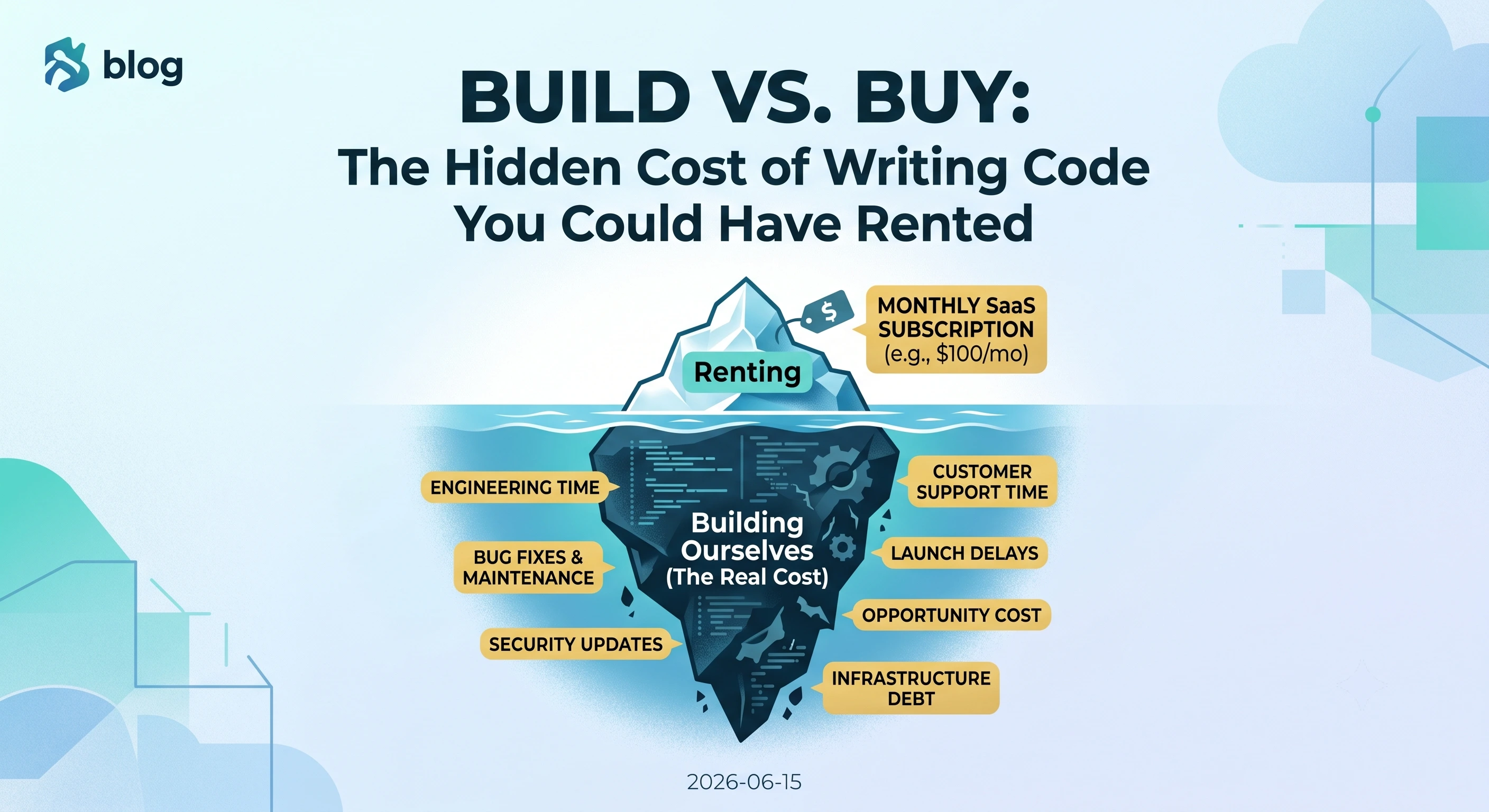
Build vs. Buy: The Hidden Cost of Writing Code You Could Have Rented
June 202611 min readFounders often burn months of runway building commodity features from scratch to save on SaaS subscriptions. Here's how to make better build vs. buy decisions and ship faster.
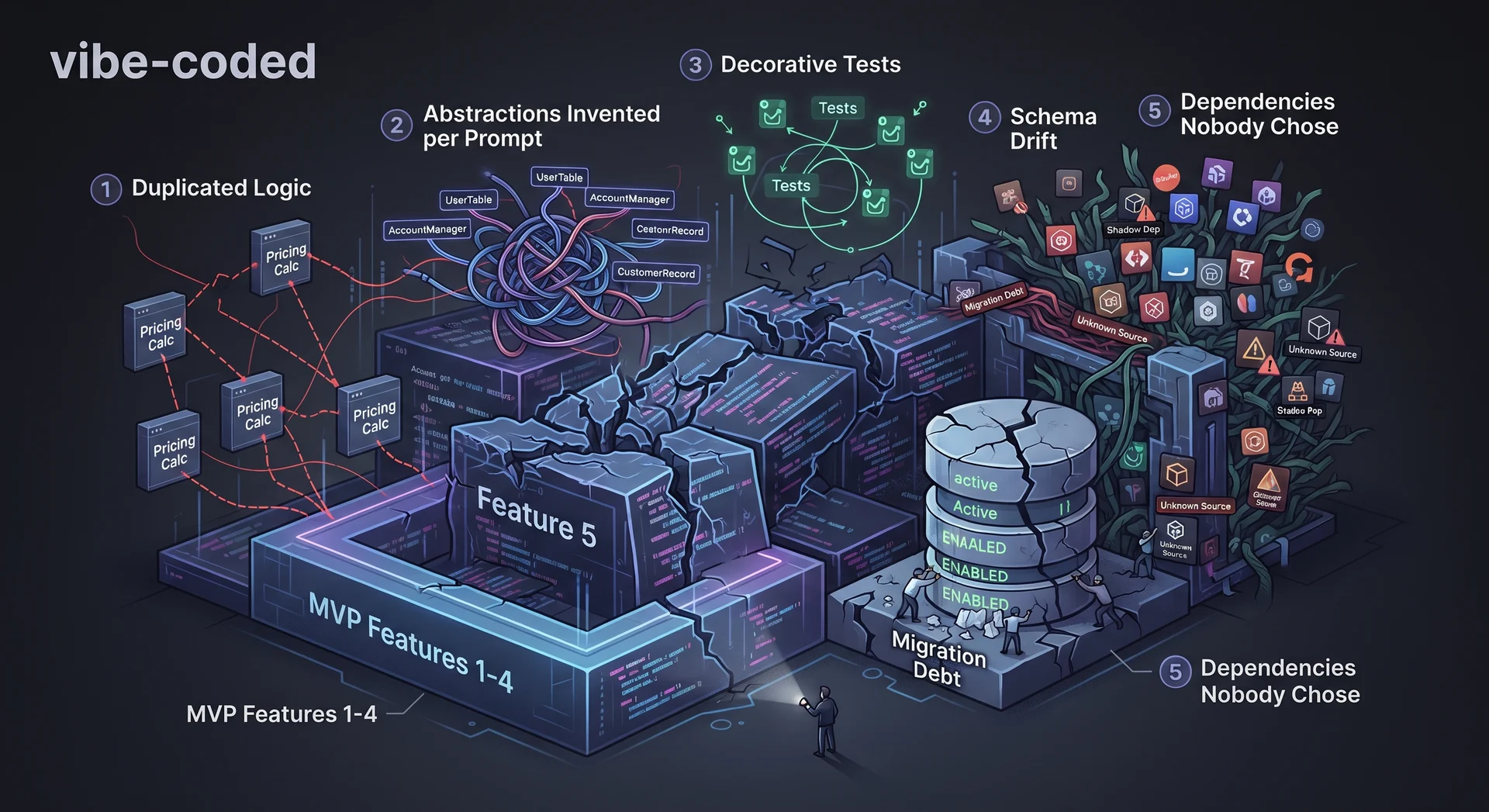
Shipped by AI, Stuck at Feature Five: What Actually Breaks in Vibe-Coded Codebases
August 202612 min readAI-generated MVPs ship fast and then stall. Here's what actually breaks — duplicated logic, schema drift, decorative tests — and how founders can diagnose it without an engineer.

The Code Took Two Days. Everything After That Was the Job.
November 202614 min readAI made my Shopify app a two-day build. Then a real merchant used it. What a solo engineer's job is now: validation, telemetry, fail-closed money, memory.
Questions about something you read here, or a project you want to move forward? I work with teams on full-stack builds, AWS and serverless consolidation, migrations, and messy systems.
Contact me