
Headless WordPress
Your editors keep WordPress. Next.js takes over the front end and reads content through the REST API or WPGraphQL.
Best when your content team works in WordPress every day.
I move business and content sites from WordPress to Next.js, with your URLs, metadata, and redirects mapped before anything changes.
One senior engineer from audit to launch. Your live site keeps running until the new one is ready.
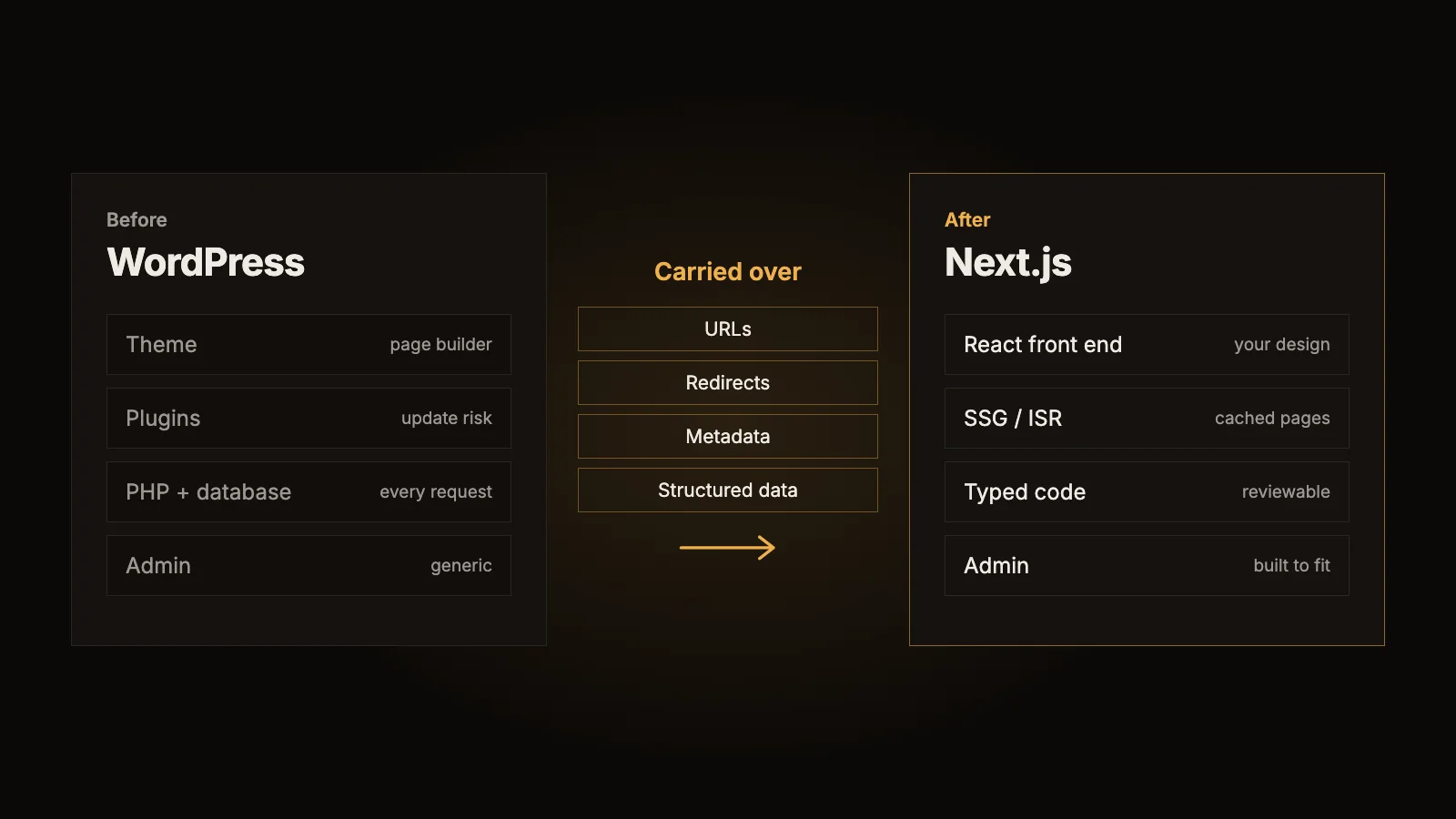
Your editors keep WordPress. Next.js takes over the front end and reads content through the REST API or WPGraphQL.
Best when your content team works in WordPress every day.
Content moves out of WordPress into a typed data model with an admin built around what your team actually edits.
Best when you want WordPress and its plugins gone.
Sometimes the honest answer is that you do not need a migration. The audit will tell you if a smaller change gets you there.
Best when the problem is narrow.
Step 1
Map your pages, plugins, integrations, and traffic, then recommend headless, replacement, or targeted fixes.
Step 2
Build on a staging URL while your live site keeps running untouched.
Step 3
Compare staging against production with a crawl, and test forms, checkout, and integrations.
Step 4
Point the domain with DNS and email records preserved, a rollback path ready, and redirects tested on the real domain.
Real migration
I replaced a Hebrew WordPress site with a Next.js practice site and shop on its existing domain. Indexed WordPress links were redirected to their new pages, and the owner now manages products, prices, and orders from a custom admin. The homepage scored 99 for mobile performance in Google PageSpeed.
Read the Medicina case studyStack: Next.js, TypeScript, React, Tailwind, the WordPress REST API or WPGraphQL, Postgres with Supabase, Resend, and hosting on Vercel, Render, or Cloudflare.
No, and you should be wary of anyone who does. Rankings depend on Google. What I can do is remove the avoidable risks: every important URL mapped, metadata carried over, and problems caught early after launch.
Go headless if your editors depend on WordPress. Replace it if you want to drop the plugin stack and your team edits a limited set of content types. The audit gives you a recommendation with the trade-offs.
The old site stays live during the build, and launch is a planned domain change. The aim is no visible outage, with a rollback path ready if something is wrong.
With headless, they keep WordPress. With a full replacement, I build an admin for the content they edit, such as articles, products, and prices.
It depends on your orders, payments, and integrations. I replaced a WordPress site with a custom Next.js shop for Medicina, but stores need more scoping than content sites, so this is covered in the audit.
It depends on the size of the site and its integrations. You get a fixed-scope proposal after the audit, before any build work starts.
Send me your site and what is holding you back. I will tell you honestly whether a migration is worth it.
Request a migration audit